Creating a productive home office space is essential for anyone working from home, whether full-time or occasionally. A well-designed workspace can significantly improve your focus, motivation, and overall work quality. In this post, we’ll explore practical tips to help you set up a home office that supports efficiency and comfort.
Why a Dedicated Home Office Matters
Having a specific area designated for work helps your brain switch into “work mode” more easily. A clear separation between home and workspaces can reduce distractions and encourage a professional mindset. Even if you don’t have a separate room, carving out a dedicated spot can make a big difference.
Choosing the Right Location
Consider Natural Light
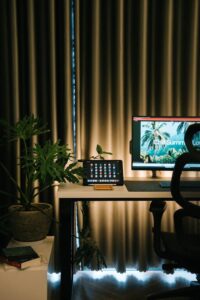
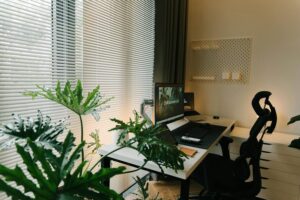
Selecting a spot with plenty of natural light can improve mood and reduce eye strain. Position your desk near a window if possible, but avoid glare on your computer screen by using blinds or curtains.
Minimize Distractions
Choose a quiet area away from noisy parts of the house. If that’s not possible, noise-canceling headphones or white noise machines might help block out disruptions.
Furnishing Your Workspace
Invest in a Comfortable Chair
Ergonomics are key to maintaining comfort during long working hours. A supportive office chair with adjustable height and lumbar support can prevent back pain.
Choose a Suitable Desk
Select a desk that fits your available space and meets your work needs. Whether you prefer a compact desk or a larger one for multiple monitors, make sure it’s sturdy and at a comfortable height.
Organize with Storage Solutions
Use shelves, drawers, or filing cabinets to keep your desk clutter-free. Organized storage encourages productivity by making it easier to find necessary items quickly.
Setting Up Your Equipment
Screen Placement
Place your monitor at eye level about an arm’s length away to reduce neck strain. If using a laptop, consider a stand or external monitor for better ergonomics.
Reliable Technology
Ensure you have a stable internet connection and functional hardware such as a keyboard, mouse, and printer as needed. Keeping your devices updated also helps avoid technical interruptions.
Lighting Your Workspace
Good lighting reduces eye fatigue and keeps you alert. Combine natural light with adjustable task lighting such as desk lamps. Choose warm or neutral white bulbs to avoid harsh glare.
Personalizing Your Space
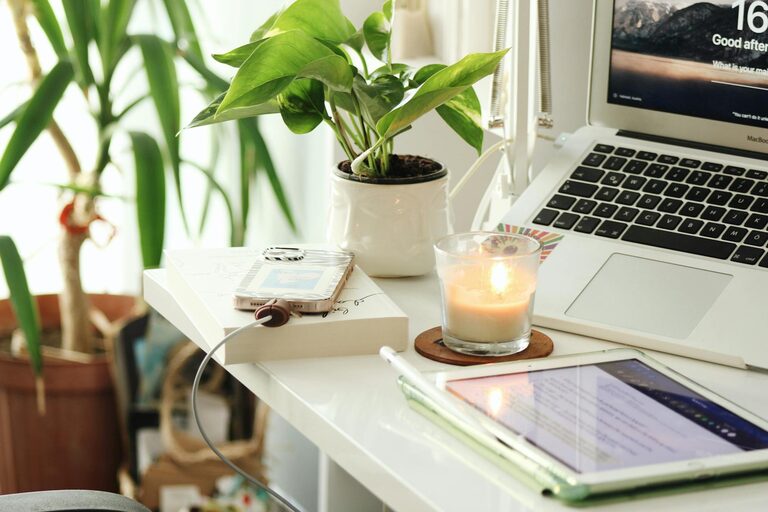
Adding personal touches can make your office more inviting and increase motivation. Consider plants, artwork, or meaningful decorations but avoid cluttering your workspace.
Managing Cables and Wires
Messy cables can be distracting and hazardous. Use cable organizers or clips to keep wires neat and out of sight, improving both safety and aesthetics.
Creating a Routine and Boundaries
Establish regular working hours and take scheduled breaks to maintain work-life balance. Inform household members of your availability to minimize interruptions during focused times.
Tips for Staying Organized
– Use planners or digital calendars to track tasks and deadlines.
– Keep only essential items on your desk.
– Regularly declutter to maintain a clean environment.
– Set up zones in your workspace (e.g., computer area, reading space).
Incorporate Movement
Avoid sitting for long periods by standing up, stretching, or taking short walks. Consider a sit-stand desk or take breaks to promote circulation and reduce fatigue.
Final Thoughts
A productive home office space blends comfort, organization, and functionality. By thoughtfully setting up your workspace, you create an environment that supports focus and efficiency. With these tips, you can transform any area in your home into a place where work gets done effectively and comfortably.